How to Screen Job Applicants Fast — Without Cutting the Wrong People
The worst screening mistake we ever watched happen wasn't rejecting a good candidate. It was spending twenty unstructured minutes on a phone call with someone who was never going to be a fit, because the criteria that should have ruled them out on paper were never written down before the resumes started arriving. How to screen job applicants well is mostly a sequencing problem — decide the bar before you meet anyone, not while you're meeting them.
Screening has two competing pressures. You need to move fast, because good candidates go cold and get other offers while you deliberate. And you need to be fair and consistent, because inconsistent screening is exactly where legal risk and bad hires both creep in. Most employers pick one pressure and lose the other.
There's a third pressure that doesn't get named as often: volume itself. A role that gets forty applicants and a role that gets four hundred require genuinely different screening approaches, and a lot of frustration comes from applying the wrong one. A process built for forty resumes, done carefully by hand, collapses under four hundred. A process built to survive four hundred, done by rigid keyword filtering alone, misses good people at forty. Knowing which situation you're actually in changes what "fast" and "fair" should mean for that specific round.
This guide covers building your criteria before applicants even arrive, triaging resumes fast without being sloppy, running a phone screen that actually predicts anything, asking questions that correlate with performance instead of just comfort, and staying on the right side of the line legally the whole way through.
Start with a ranked shortlist, not a raw inbox
Jobedly's AI agents score every applicant 0–100 against your role before you screen a single one — so your time goes to real contenders first.
Find candidates with AIBuilding screening criteria before you post
If you write your screening criteria after applicants start arriving, you will unconsciously bend the criteria to whoever you liked best in the first few resumes. That's not a character flaw — it's just how the brain works under ambiguity. The fix is mechanical: decide what actually matters before you post the role, not while you're reading resumes.
- List the 3–5 things a candidate absolutely must have — not fifteen, five at most.
- Separate those from things that are nice but not disqualifying.
- Decide, in advance, what a passing answer looks like for each phone-screen question — not just what you'll ask.
- Write it down. A criteria list that lives only in your head shifts silently over the course of a hiring round.
If your job description itself is bloated with requirements, screening will be harder than it needs to be no matter how good your process is — our job description guide covers trimming that list at the source.
Criteria drift is the specific failure this step prevents. It happens gradually — candidate three seems a little light on one requirement, but they were likeable, so you let it slide. Candidate eleven is light on the same requirement, but by then you're tired and the bar has quietly moved without anyone deciding to move it. Writing the criteria down ahead of time, and referring back to the actual document rather than your memory of it, is the only thing that reliably stops this. It sounds almost too simple to be the fix. It is the fix.
Fast resume triage that's still fair
Speed and fairness aren't actually opposites in resume triage — they fail together, usually, because an unstructured skim is both slow (you re-read things) and inconsistent (you judge candidate three differently than candidate thirty once you're tired). A structured pass is faster and fairer at the same time.
How to screen resumes fast
- Sort by your 3–5 must-haves first — anyone missing a true must-have is out, no exceptions, before you read anything else.
- Among the rest, scan for evidence of the top two or three responsibilities from the job description, not keyword density.
- Note anything genuinely unusual (a gap, a big jump in scope, a career change) to ask about, not to disqualify.
- Rank, don't just sort into pass/fail — you want a shortlist ordered by strength, not just a binary cut.
What to look for when screening resumes
Look for evidence, not adjectives. "Managed a team" is a claim; "managed a team of six through a systems migration with no missed deadlines" is evidence. Candidates who write in specifics tend to have specifics to draw on. That's not a guarantee, but it's a genuinely useful signal at the triage stage, before you've talked to anyone.
This is also where AI-ranked applicant flow earns its place — when the ranking against your stated requirements happens automatically the moment someone applies, the manual triage step above becomes a confirmation pass on a shortlist instead of the first filter on a full pile.
Formatting bias is worth naming too. A resume built from a slick template with generous whitespace reads as more polished than a dense, plain one — and that has approximately nothing to do with whether the person can do the job. We've caught ourselves rating a beautifully formatted but thin resume higher than a plain but detailed one, purely on visual impression, more than once. The must-have filter helps here as well: if you're checking for specific evidence rather than a general impression, formatting stops mattering nearly as much.
The phone screen script
A phone screen has one job: confirm the resume is real and rule out a small number of things that would make the role a bad fit for either side. It is not a mini-interview, and treating it like one is the most common way it balloons from ten minutes to forty and still doesn't tell you anything decisive.
Phone screening questions
- "Walk me through your current role and why you're looking." — confirms the resume and surfaces motivation.
- One question tied directly to each true must-have from your criteria list.
- Availability, pay expectations, and start-date timing — get these out of the way early so no one wastes further time on a mismatch.
- "What questions do you have for me?" — a rushed or absent answer here is itself a signal.
How to screen candidates before interview
Use the phone screen strictly as a filter for the must-haves and basic logistics — not as your evaluation of whether they're a great candidate. Save the depth (behavioral questions, scenario-based evaluation) for the structured interview itself, covered in our interview guide. Mixing the two stages is how phone screens turn into unstructured 40-minute conversations that still leave you unsure.
Keep notes during the call, not after it. Memory reconstructs conversations more favorably or unfavorably than they actually went, depending on how the candidate made you feel in the room — which is precisely the kind of drift a screening record is meant to prevent. A few bullet points typed live, tied to your must-haves, beats a paragraph written from memory an hour later every time.
Screening questions that predict performance
Comfort-based questions ("tell me about yourself," open-ended and unscored) mostly measure how comfortable someone is talking to strangers, which correlates with almost nothing you actually care about. Predictive questions are specific, tied to the real demands of the role, and scored against a standard you set in advance.
| Comfort-based (weak signal) | Predictive (strong signal) |
|---|---|
| "Tell me about yourself." | "Walk me through the last time you had to fix a mistake a customer caught before you did." |
| "What are your strengths?" | "Describe a specific project where that strength changed the outcome." |
| "Why do you want this job?" | "What part of this role's day-to-day is closest to what you're doing now?" |
| "Are you a team player?" | "Tell me about a disagreement with a teammate and how it resolved." |
Predictive questions ask for a specific past event, not a general self-assessment. People are far more consistent describing what actually happened than they are accurately rating their own strengths.
Avoiding bias and legal traps
Screening is where a surprising amount of legal exposure lives, because it happens fast, often informally, and with fewer witnesses than a full interview. Consistency is your main protection — asking the same core questions of every candidate for the same role, and screening against the criteria you wrote down before you started, not against a gut feeling that shifts candidate to candidate.
Certain topics are legally off-limits or high-risk in pre-employment screening regardless of how casually they come up — age, disability, family/marital status, national origin, religion, and similar protected categories. The U.S. EEOC's guidance on prohibited employment practices is the authoritative reference here, and it's worth an actual read, not just a skim, before you build your screening script.
If your screening involves background checks, the FTC's guidance for employers on background checks lays out disclosure and consent requirements you're legally obligated to follow, not optional best practice.
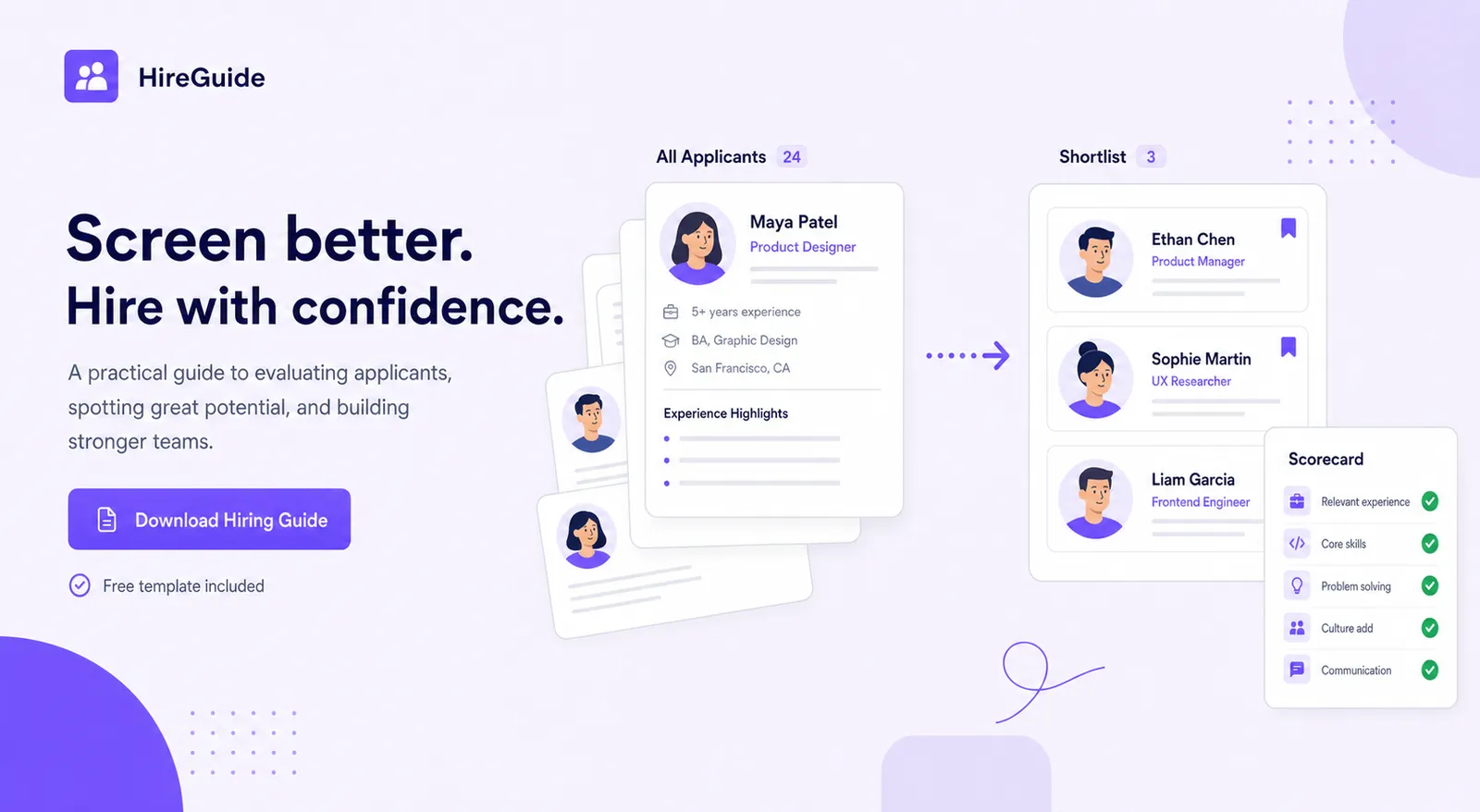
A simple screening scorecard — must-haves as pass/fail, then a 1–5 rating on two or three predictive questions — takes minutes to build and gives you a defensible, comparable record for every candidate you screen, which matters both for fairness and for your own decision quality under volume.
Keep the record even for candidates you reject quickly. It feels like unnecessary paperwork for someone who was never going to move forward, until the day a rejected candidate raises a concern and you have nothing but a vague memory of why they didn't advance. A one-line note — which must-have they didn't meet, or which scorecard item scored low — costs seconds to write and is the single most useful thing you can have on file if a decision is ever questioned.
Screen against a ranked shortlist, not a guess
Post free on Jobedly and let AI agents score every applicant against your role's real requirements before your screening call ever happens.
Find candidates with AIScreening vs. interviewing
Consistency in screening also intersects with data privacy practice, particularly if you're collecting resumes, phone numbers, or notes on candidates in a spreadsheet rather than a proper system. It's worth a periodic check against general guidance from a source like the U.S. Department of Labor on recordkeeping expectations for hiring records, especially once your applicant volume grows past what a single spreadsheet can track cleanly.
Screening vs interviewing
Screening filters for must-haves and rules out clear mismatches, fast, on a small set of criteria decided in advance. Interviewing evaluates depth, judgment, and fit once someone has already cleared the bar — it's slower, deeper, and involves more people. Confusing the two stages is the single biggest source of wasted hiring hours we've seen: teams either interview everyone (too slow) or screen everyone lightly and skip real evaluation (too shallow).
Once your screening has produced a real shortlist, the next step is the structured interview itself — our guide on how to interview candidates picks up exactly there with scorecards and behavioral questions.
One last practical note on where screening tends to fail even with good intentions: it fails at handoffs. A hiring manager screens resumes, a different person conducts phone screens, and by the time a candidate reaches the structured interview, three people have formed three different partial impressions with no shared record connecting them. The scorecard and the written must-have criteria aren't just fairness tools — they're the thing that makes handoffs between people actually work, instead of every stage restarting the evaluation from scratch.
Screen the shortlist, not the pile
A good screening process still starts faster when the applicants arriving are already ranked against your role's real requirements.
Post once. Let the AI agents do the sorting.
Post a job free on Jobedly and our AI agents surface and rank qualified candidates 0–100 so you spend time on the shortlist, not the pile.
Post a job freeFrequently asked questions
How long should candidate screening take per applicant?
What's the difference between resume screening and pre-employment screening?
How many phone screening questions should I ask?
Is it legal to ask about salary expectations during screening?
What screening questions are illegal to ask candidates?
Should the same person screen and interview a candidate?
How do I screen candidates fairly at high volume?
Glossary
- Must-have criteria
- The small, non-negotiable set of qualifications a candidate needs to proceed — decided before screening begins, not adjusted mid-round.
- Resume triage
- The fast first pass over incoming resumes to separate clear mismatches from viable candidates, before any interview stage.
- Phone screen
- A brief early call used to confirm resume accuracy, check must-haves, and align on logistics — not a substitute for a full interview.
- Screening scorecard
- A structured rating sheet applied identically to every candidate at the screening stage, used for consistency and fairness.
- Predictive question
- A screening or interview question asking for a specific past event, shown to correlate more reliably with future performance than open self-assessment questions.
- Pre-employment screening
- The broader set of checks — background, reference, sometimes skills assessments — used to verify a candidate before an offer becomes final.