How to Beat Applicant Tracking Systems (ATS)
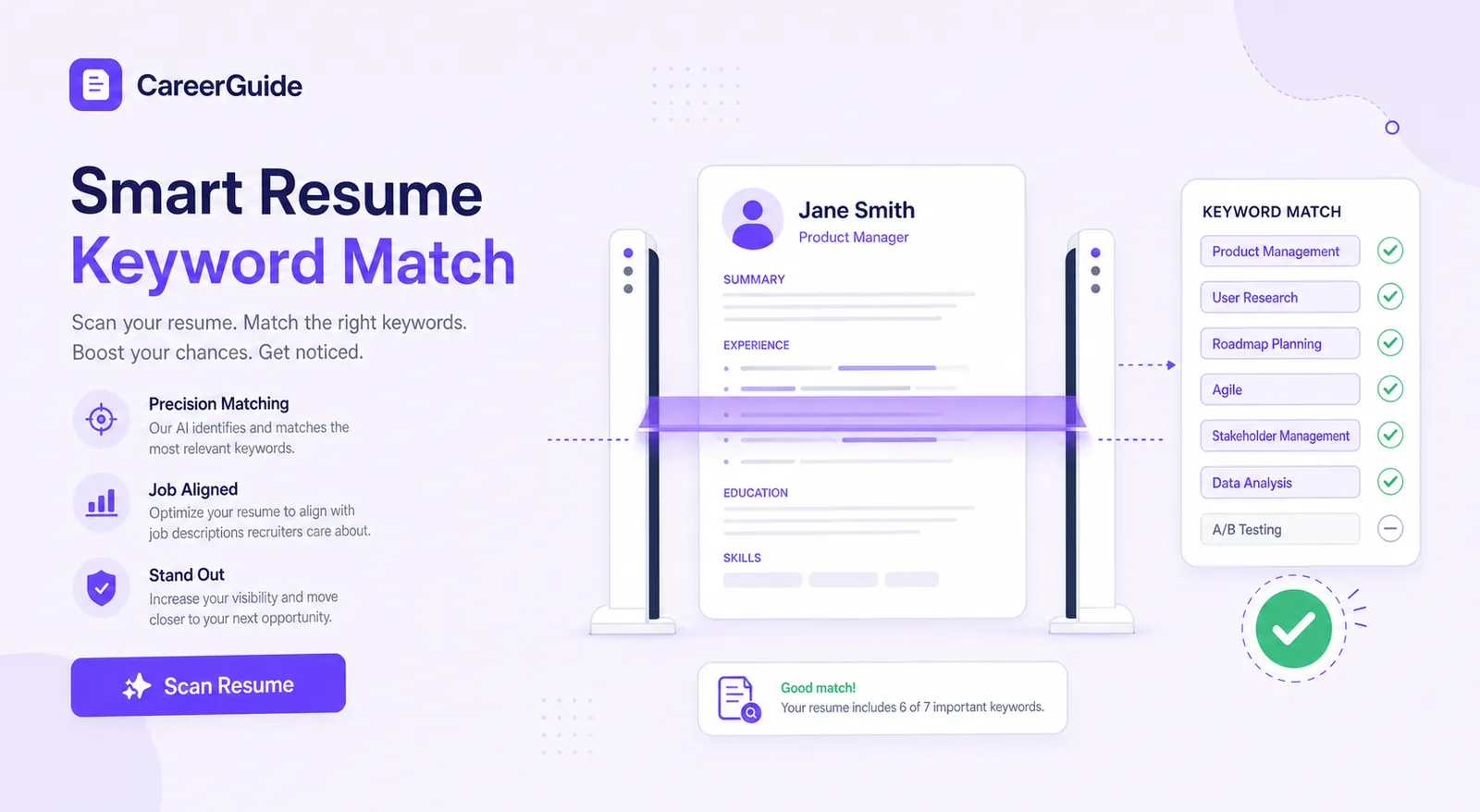
"The ATS ate my resume" is one of the most common complaints in any job search, and it's usually half right. Learning how to beat applicant tracking systems starts with understanding what they actually do — because most of the myths floating around (the ATS rejects resumes on its own judgment, design resumes are always doomed, you need to stuff keywords everywhere) are wrong in ways that either waste your time or actively hurt your applications.
This guide walks through what an ATS actually does and doesn't do, the specific formatting choices that break parsing, how to add keywords the right way without stuffing, how to test your own resume against a real job post before you submit it, and the myths recruiters genuinely wish would die already.
Here's the framing that helps most: an ATS is a filing and search system, not a judge. Understanding that distinction changes almost everything about how you should format and word your resume.
Let AI handle the ATS keyword matching
Jobedly rewrites your resume to match a specific posting's language and requirements automatically, so you're not manually guessing which keywords matter.
Build a winning resume freeWhat an ATS actually does (and doesn't)
An ATS is fundamentally a database. It stores every application that comes in, extracts structured fields (name, contact info, work history, education, skills) from the resume text, and gives recruiters a way to search and sort that database. Many systems also apply a basic filter or ranking based on keyword overlap with the posting, but the core job is organizing incoming applications, not rendering a verdict on your career.
Think about the recruiter's actual workflow for a popular posting: hundreds of applications, one person, limited hours. Without an ATS, that recruiter has no realistic way to review everyone. With one, they can search "5 years, SQL, Python" across the whole applicant pool and pull a shortlist in seconds instead of opening every file by hand. That's the real function — a search and sort tool built for volume, not a gatekeeper with independent judgment about who deserves a callback.
That framing changes how you should think about optimizing for it. You're not trying to trick a judge. You're trying to make sure a search-and-sort tool correctly files you under the terms a recruiter will actually search for, so you show up in the shortlist instead of getting buried in an unsearched pile.
Scale is exactly why this matters as much as it does. With roughly 7.594 million open roles in the U.S. at last count, and popular postings routinely drawing applicant counts in the hundreds, no recruiting team could function without a search-and-sort layer. The ATS isn't an obstacle bolted onto hiring — it's the only reason a small recruiting team can process that kind of volume at all.
What is an ATS
Applicant Tracking System — software employers use to post jobs, collect applications, and manage candidates through the hiring pipeline. Nearly every mid-size and large employer uses one; even many small employers do, through low-cost or bundled versions.
Do ATS reject resumes automatically
Some configurations can auto-filter out resumes missing a required field (like a specific certification or location match) that the employer marked as mandatory, but the common belief that an ATS "reads" a resume and rejects it on overall judgment is an oversimplification. Most rejections that feel automatic are actually a two-step failure: the resume parses badly (so the recruiter's search or scan never surfaces it), or a human does look but quickly passes because of a genuine mismatch. The software rarely functions as an independent decision-maker the way the myth suggests.
The BLS tracks detailed occupational data — job titles, duties, required skills, and typical qualifications — through the Occupational Outlook Handbook, which is a genuinely useful place to confirm the standard terminology and skill language recruiters and ATS systems expect for a given role, rather than guessing at keywords.
Different ATS platforms do vary in sophistication. Some do genuinely semantic matching, recognizing that "managed a team" and "led a team" mean roughly the same thing. Others are far more literal and reward exact phrase matches. Since you can't know which one you're facing on any given application, the safest strategy is the one that works for both: real, accurate keyword overlap using the posting's own phrasing where it's true, not a bet on the parser being smart enough to infer your meaning.
Formatting that breaks parsing
Parsing failures are the single most preventable cause of a resume disappearing into an ATS without ever surfacing properly. The system tries to map your resume's text into structured fields, and certain layout choices make that mapping fail or scramble.
| Do | Don't |
|---|---|
| Single column, linear top-to-bottom layout | Multi-column layouts or side-by-side sections |
| Standard section headings (Experience, Education, Skills) | Creative or renamed headings the parser won't recognize |
| Plain text contact info in the resume body | Contact info placed only in a header or footer |
| Standard bullet characters (•, -) | Custom bullet icons or symbols |
| Text-based PDF or .docx | Scanned image PDFs or unusual file types |
| Dates in a consistent, standard format | Inconsistent or vague date formatting |
ATS resume format
The safest structure: name and contact info at the top in plain text, a short summary, then Experience (reverse-chronological), Skills, Education, in that order for most candidates. Single column throughout. No tables, no text boxes, no graphics standing in for information the parser needs to read as text.
Best ATS friendly fonts
Stick to widely supported, standard fonts — Calibri, Arial, Georgia, Garamond, or similar. These render consistently and parse cleanly across virtually every ATS platform. Decorative, script, or highly stylized fonts are a real risk with no real upside; recruiters aren't scoring you on typography.
The same logic applies to file naming and section order, two details that get overlooked constantly. A file named "Resume.pdf" with no identifying information is easy to lose in a recruiter's downloads folder among a dozen others with the same name — use your full name. And keep section order conventional: contact info, summary, experience, skills, education is the sequence most ATS templates and most human readers expect, and deviating from it for the sake of novelty rarely pays off. For the full breakdown of what goes in each of those sections, our guide to writing a resume covers the content side in depth, separate from the formatting rules here.
Keyword matching without stuffing
Keyword matching works because both the ATS's search function and the human recruiter's mental checklist are looking for the same signal: does this resume's language overlap with what the posting asked for? The mistake is treating this as a game to exploit by cramming keywords everywhere, including places where they read as nonsense. That backfires with human readers even when it technically "works" on a parser.
How to add keywords to a resume
- Pull the specific skill and requirement language directly from the posting — exact phrasing matters more than a close synonym.
- Place matched keywords where they're true and natural: in your summary, your skills section, and inside real bullet points describing real work.
- Match variations recruiters use for the same skill (e.g. both 'customer service' and 'client support' if the posting mixes language) only where genuinely accurate.
- Never list a skill you can't speak to in an interview — a keyword match that gets you the interview and then falls apart under one follow-up question wastes everyone's time.
This is also where a resume built around one job title stops working across different postings. A senior analyst role and a senior associate role in the same field might use meaningfully different core language for the same underlying skill — tailoring the specific terms per posting, briefly, matters more than most people expect.
There's a difference worth flagging between a hard skill keyword and a soft skill keyword, too. "Salesforce," "SQL," and "Six Sigma" are specific and checkable — include them exactly as named if true. "Team player," "detail-oriented," and "self-starter" are vague enough that they add almost nothing on their own; if a posting lists a soft skill, demonstrate it through a bullet point's actual content rather than just repeating the adjective in your skills list.
Testing your resume against a job post
Before submitting, run a quick manual check: copy the posting's key requirements into one column and your resume's matching language into another. Gaps you find that way are gaps a parser and a recruiter will both find too. It's tedious done by hand across many applications, which is exactly why automated fit-scoring exists — the comparison itself is mechanical, and mechanical work is where automation earns its keep.
A genuinely useful test isn't just "does this parse" — it's "does this parse into something that matches the posting's real requirements." A resume can survive parsing perfectly and still score poorly on relevance if the language doesn't overlap with what the employer is actually screening for.
If you want a low-tech version of this test, paste the job posting and your resume into separate documents, highlight every skill, tool, and qualification mentioned in the posting, then check off which ones appear — in some form, honestly — in your resume. Anything highlighted and not checked off is either a real gap worth addressing before you apply, or language worth adding if you genuinely have the skill but described it differently.
Do this once on a resume you feel good about and once on a resume that's gotten no traction, and the difference usually becomes obvious fast — often it's not a skills gap at all, just a phrasing mismatch between what you wrote and what the posting asked for.
Get a real fit score before you apply
Jobedly checks your resume against each open role's actual requirements and scores the match 0–100, so you know before you submit whether it's worth tailoring further.
See jobs ranked for youThe myths recruiters wish would die
A handful of ATS myths circulate constantly, and most of them push job seekers toward wasted effort or bad formatting choices. Worth naming them directly.
- "Only 25% of resumes ever reach a human." — Numbers like this circulate constantly with no verifiable source behind them. Treat any specific percentage you see quoted online with real skepticism unless it's tied to a named, checkable study.
- "A visually designed resume automatically gets rejected." — Overstated. Simple, tasteful design elements (a clean header, subtle color accent) generally parse fine. What actually breaks parsing is structural complexity — columns, tables, text boxes — not the presence of any visual styling at all.
- "You need a different ATS-beating trick for every platform." — The core rules (clean structure, real keyword overlap, standard headings) work broadly across virtually all major ATS platforms. There's no secret platform-specific hack worth chasing.
- "PDF resumes never work with ATS." — This was truer years ago with older ATS software. Modern systems generally parse text-based PDFs fine; the risk is specifically with image-based or scanned PDFs, not PDFs as a category.
For deeper context on why occupation-specific language matters so much here, the BLS Occupational Employment and Wage Statistics program is a solid reference for how roles are actually categorized and titled across industries — useful if you're trying to figure out what standard terminology a posting's title maps to.
None of these myths are new, and they persist mostly because job seekers rarely get direct feedback on why a specific application didn't land, so the myths fill the information gap. The fix isn't to memorize every counter-argument — it's to build the habit of formatting cleanly, matching language honestly, and letting the content of your actual experience do the convincing, rather than chasing a rumored trick that changes every time someone reposts it online.
If ATS mechanics feel like the missing piece in an otherwise solid job search, it's worth stepping back to the broader picture too — our guide to the complete modern job search covers where roles actually get filled and how to build a system around the whole process, not just the resume-parsing step. Getting the ATS piece right matters, but it's one gate among several, and it's worth treating it that way rather than as the single lever that decides everything.
Let AI handle the keyword matching
Manually comparing your resume against every posting's language doesn't scale past a handful of applications — automating that comparison is exactly where AI earns its keep in a job search.
Let the AI team do the grinding
Jobedly scores every role 0–100 the moment it posts, rewrites your resume to win in seconds, and drafts a matched cover letter automatically. Your first tailored resume is free.
Get your free tailored resumeFrequently asked questions
What is an ATS?
Do ATS systems reject resumes automatically?
What resume format works best with an ATS?
Do design resumes get auto-rejected by ATS?
How do I add keywords to my resume without stuffing?
What fonts are safest for ATS parsing?
Can I test my resume against a specific job posting before applying?
Is it true only a small percentage of resumes ever reach a human recruiter?
Glossary
- ATS
- Applicant Tracking System — software used to collect, parse, organize, and often rank incoming job applications.
- Parsing
- The process by which an ATS extracts structured data (name, dates, titles, skills) from a resume's raw text.
- Keyword stuffing
- Overloading a resume with repeated or hidden keywords in an attempt to game ATS ranking — generally ineffective and risky if discovered by a human reader.
- ATS-friendly format
- A resume layout — single column, standard headings, plain text — designed to parse cleanly into an ATS's structured fields.
- Fit score
- A numeric estimate of how well a resume's content matches a specific job posting's stated requirements.
- Applicant tracking
- The overall process employers use, typically via ATS software, to manage candidates from application through hiring decision.